Your style. Your character. On demand.
Teach the AI a look, a person or a product from 10–30 images — or train a video character from 10–20 short clips. Then generate new scenes that stay unmistakably yours.
No credit card required


What you can do
Art styles
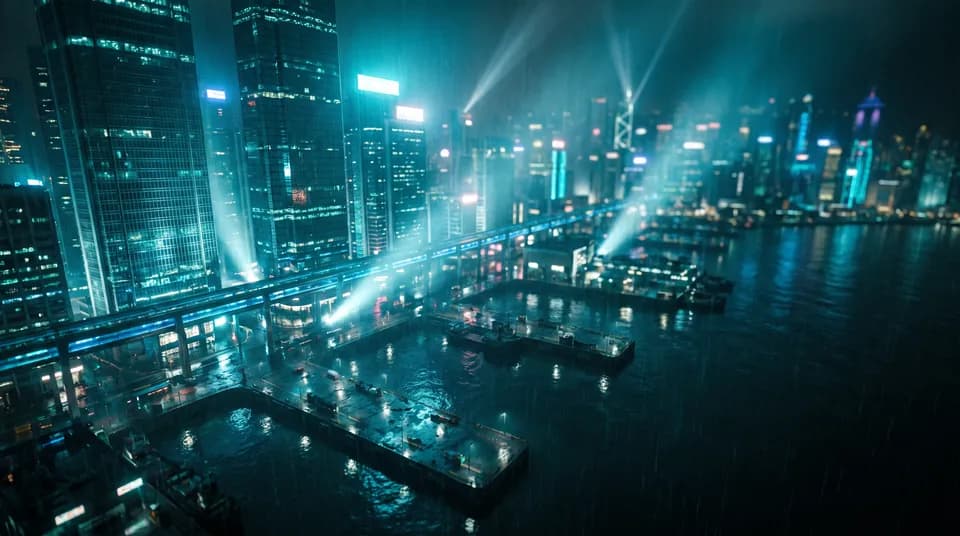
Lock in an illustration style, a color grade or a brand aesthetic and apply it to any subject.
Consistent characters
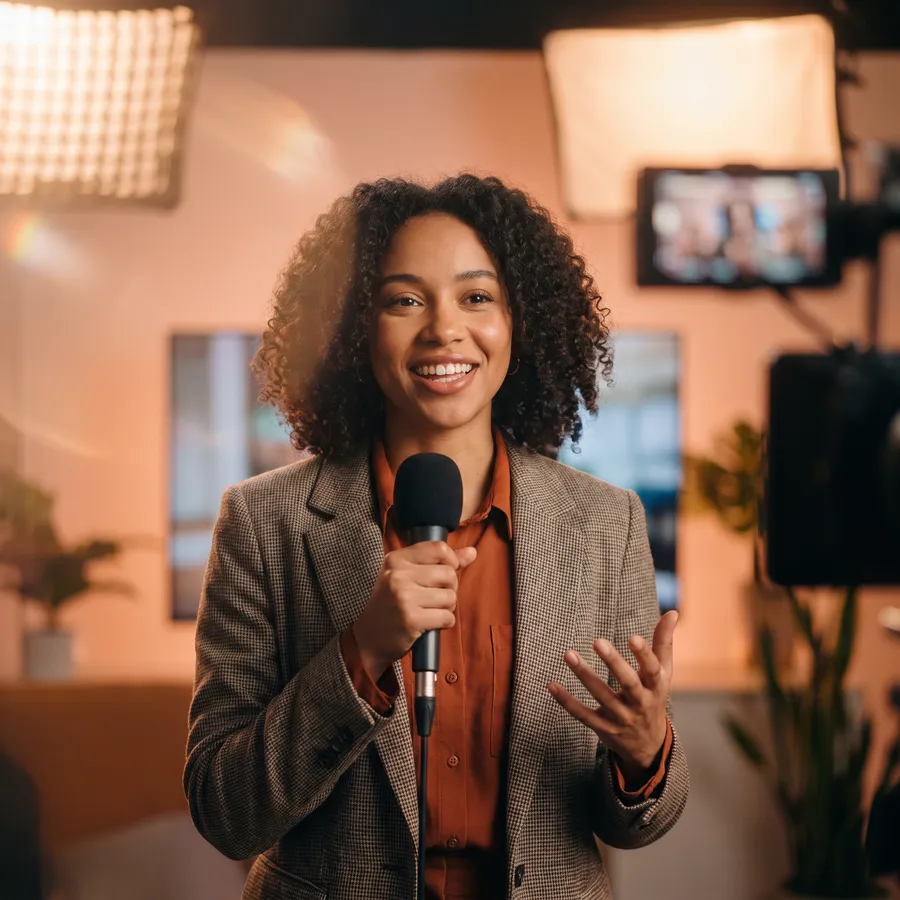
Keep the same face and outfit across a whole series — and with a video character (MiniMax H3), the same face and body in every clip.
Products
Put your exact product into new settings for ads, catalogs and social posts.
Use it everywhere
Pick your style in the image studio, then animate the results in any video model or on the canvas.
How it works
- 1
Upload 10–30 images
Vary angles, lighting and backgrounds so the AI learns what matters.
- 2
Pick a trainer
FLUX or the cheaper Krea 2 for images (from 400 credits), MiniMax H3 for video — refunded if training fails.
- 3
Generate with it
Choose it in the style picker and prompt as usual — the trigger word is added for you.
Models behind it
Prices are in credits at default settings — the studio shows the exact price before you generate.
Questions & answers
What is a custom style technically?
It's a LoRA — a small add-on trained on your media for FLUX or Krea 2 (images) or MiniMax H3 (video). It stays private to your account.
How many images do I need?
Between 10 and 30. Fewer, well-chosen, varied images beat many similar ones.
Who can use my trained style?
Only you — or your team, if you trained it inside a shared workspace. Styles never appear for anyone else.
Can I train on photos of a real person?
Only of yourself or someone who has given you documented permission. Our terms forbid imitating someone's likeness without it.



Try it with 100 free credits.
No credit card. Every tool, every model, one balance.
100 free credits · No credit card