A presenter for every video. No camera required.
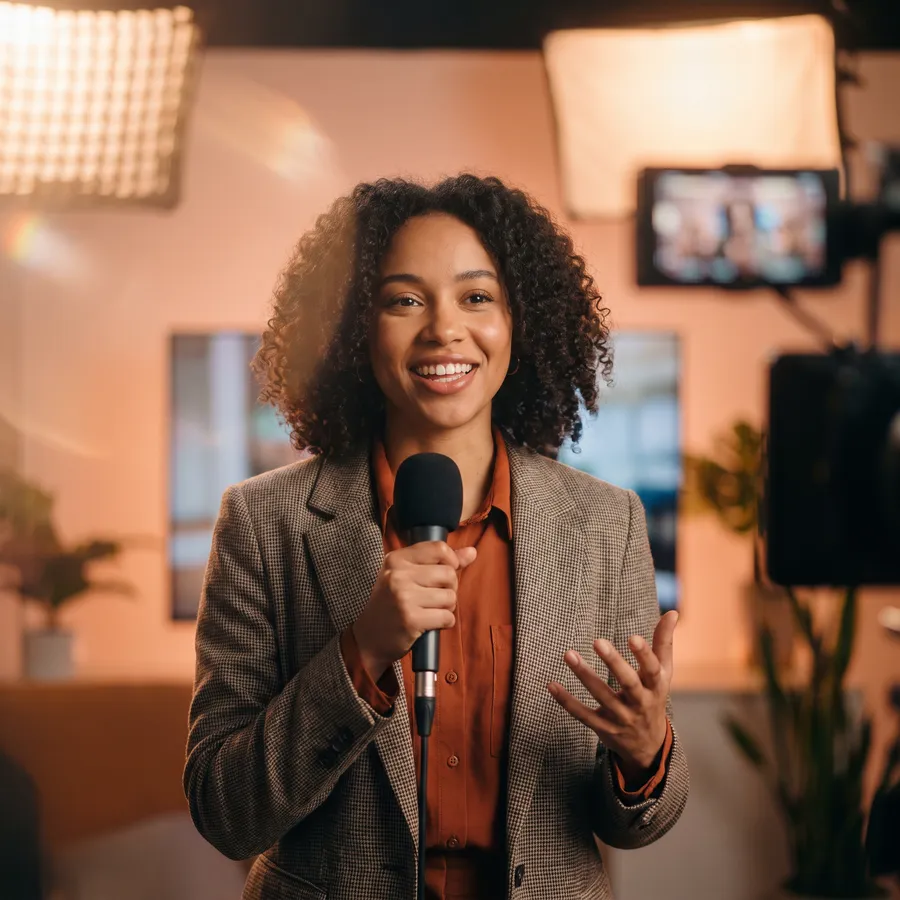
Turn a photo, an illustration or a short clip of yourself into a natural talking presenter — or re-sync the lips of existing footage to a new voiceover.
No credit card required
What you can do
Photo to talking video
Any portrait, drawing or cartoon speaks your audio with sync-3 lip-sync from a single image.
Stock presenters in 4K
HeyGen Avatar V gives you lifelike presenters with natural gestures and studio framing.
Your own digital twin
Mirage Avatar X keeps your identity from a photo or a short clip, with rich expressions for up to three minutes.
Dubbing lip-sync
VEED Lipsync 2 and sync-3 re-sync lips in real footage to a new language or script.
How it works
- 1
Pick a face
Upload a photo or clip, or choose a stock presenter.
- 2
Add the voice
Record, upload, or generate a voiceover — including your cloned voice — in 30+ languages.
- 3
Render and edit
Get a talking video, then add captions, B-roll and music in the editor.
Models behind it
Prices are in credits at default settings — the studio shows the exact price before you generate.
Questions & answers
Which avatar model should I choose?
HeyGen Avatar V for polished stock presenters, Mirage Avatar X for your own likeness, Lipsync 3 · Photo for illustrations and characters, and VEED Lipsync 2 for dubbing real footage.
How is an avatar video priced?
By the length of the audio. The studio estimates the cost as soon as you add audio and charges the exact amount after measuring it.
Does it support Arabic and other languages?
Yes. Lip-sync follows any language you can speak or generate, including Arabic dialects with our voice models.
Can I use someone else's face?
Only with their permission. Using a person's likeness without consent is against our terms.


Try it with 100 free credits.
No credit card. Every tool, every model, one balance.
100 free credits · No credit card