Luma Reframe
Change a clip's aspect ratio — Ray 3.2 paints in the new edges (e.g. 16:9 → 9:16).
100 free credits · no credit card
At a glance
- Category
- Enhance & edit
- Made by
- Luma AI
- Price on Vidova
- ≈240 credits / 10 s
- Output
- Video
- Accepts
- Text prompt, Video
- Resolutions
- 540p · 720p · 1080p
- Aspect ratios
- 9:16 · 16:9 · 1:1 · 4:3 · 3:4 · 21:9
- Native audio
- No
Prices are for default settings. You always see the exact cost before you generate, and failed generations are refunded automatically.
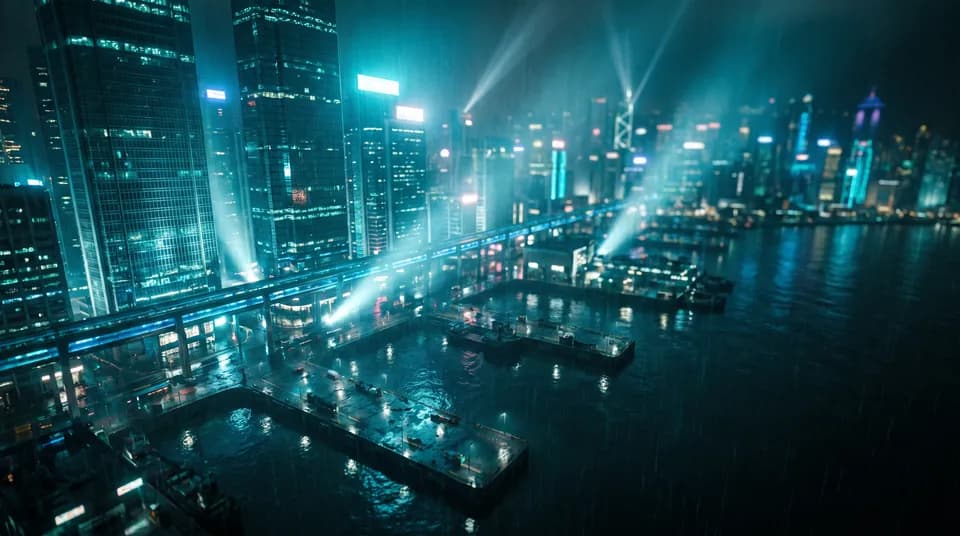
Made with Luma Reframe on Vidova
Similar Enhance & edit models
All models- Luma Modify Video≈700 credits / 10 sRe-imagine footage in a new look while keeping its motion and timing.
- Kling O3 Video Edit≈337 credits / 10 sTop-quality prompt edits of real footage: swap subjects, outfits or the whole scene while the motion stays.
- Topaz Starlight Upscale≈522 credits / 10 sGenerative upscaling that rebuilds missing detail — ideal for AI clips, compressed or archive footage. Up to 4K.
- Video Upscale 4K≈116 credits / 10 sUpscale any video to 1080p, 2K or 4K with sharper detail and less noise.
- Topaz Video Upscale≈40 credits / 10 sPro-grade Topaz restoration and upscaling for footage and AI clips.
- Image Upscale16 creditsUpscale and enhance images with creative detail restoration.
Frequently asked questions
How much does Luma Reframe cost on Vidova?
≈240 credits / 10 s at default settings. Credits come with every plan or as never-expiring credit packs, and a failed generation is refunded automatically.
Can I try Luma Reframe for free?
Yes. Every new Vidova account gets 100 free credits that work with Luma Reframe and every other model — no credit card required.
What can I give Luma Reframe as input?
Luma Reframe accepts: Text prompt, Video. It returns Video.
Can I use Luma Reframe results commercially?
Yes, on any paid plan you can use what you create commercially, without a watermark. The Free plan is for personal use.
Every top AI model. One account.
Start with free credits, pay only for what you generate, and get refunds for failed runs automatically.
100 free credits · No credit card