Ray 3.2
Dreamy, cinematic camera moves with natural light and optional HDR.
100 free credits · no credit card
At a glance
- Category
- Video
- Made by
- Luma AI
- Price on Vidova
- 200 credits
- Output
- Video
- Accepts
- Text prompt, Image
- Clip lengths
- 5s · 10s
- Resolutions
- 540p · 720p · 1080p
- Aspect ratios
- 16:9 · 9:16 · 1:1 · 4:3 · 3:4 · 21:9
- Native audio
- No
Prices are for default settings. You always see the exact cost before you generate, and failed generations are refunded automatically.
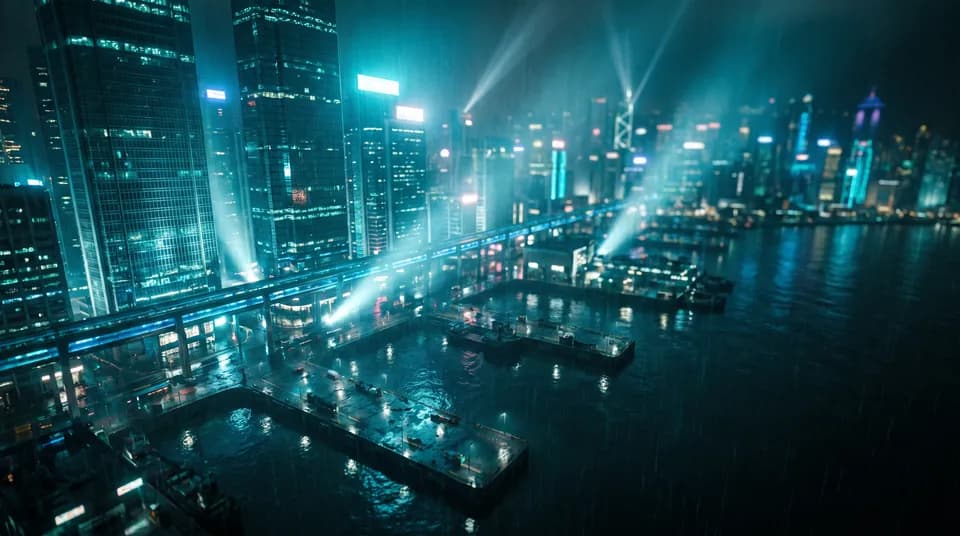
Made with Ray 3.2 on Vidova
Compare Ray 3.2
Similar Video models
All models- Veo 3.1640 creditsTop-tier cinematic realism with native synchronized audio, dialogue and sound effects.
- Kling 3.0 Pro169 creditsOutstanding motion and camera control, up to 15s, with native audio.
- Kling 3.0 Motion Control≈337 credits / 10 sMake any character copy the moves of a reference video — dances, gestures, expressions.
- Kling O3 Reference140 creditsStart from your image and bring in saved Elements as @Element characters — Kling O3 Pro quality.
- Veo 3.1 Fast240 creditsVeo quality at a fraction of the price and wait — great for iterating.
- Veo 3.1 Lite80 creditsThe most affordable way to get Veo realism with sound — perfect for drafts and social.
Frequently asked questions
How much does Ray 3.2 cost on Vidova?
200 credits at default settings. Credits come with every plan or as never-expiring credit packs, and a failed generation is refunded automatically.
Can I try Ray 3.2 for free?
Yes. Every new Vidova account gets 100 free credits that work with Ray 3.2 and every other model — no credit card required.
What can I give Ray 3.2 as input?
Ray 3.2 accepts: Text prompt, Image. It returns Video.
Can I use Ray 3.2 results commercially?
Yes, on any paid plan you can use what you create commercially, without a watermark. The Free plan is for personal use.
Every top AI model. One account.
Start with free credits, pay only for what you generate, and get refunds for failed runs automatically.
100 free credits · No credit card