Copy the Move
Your photo dances or moves exactly like any video you upload.
100 free credits · no credit card
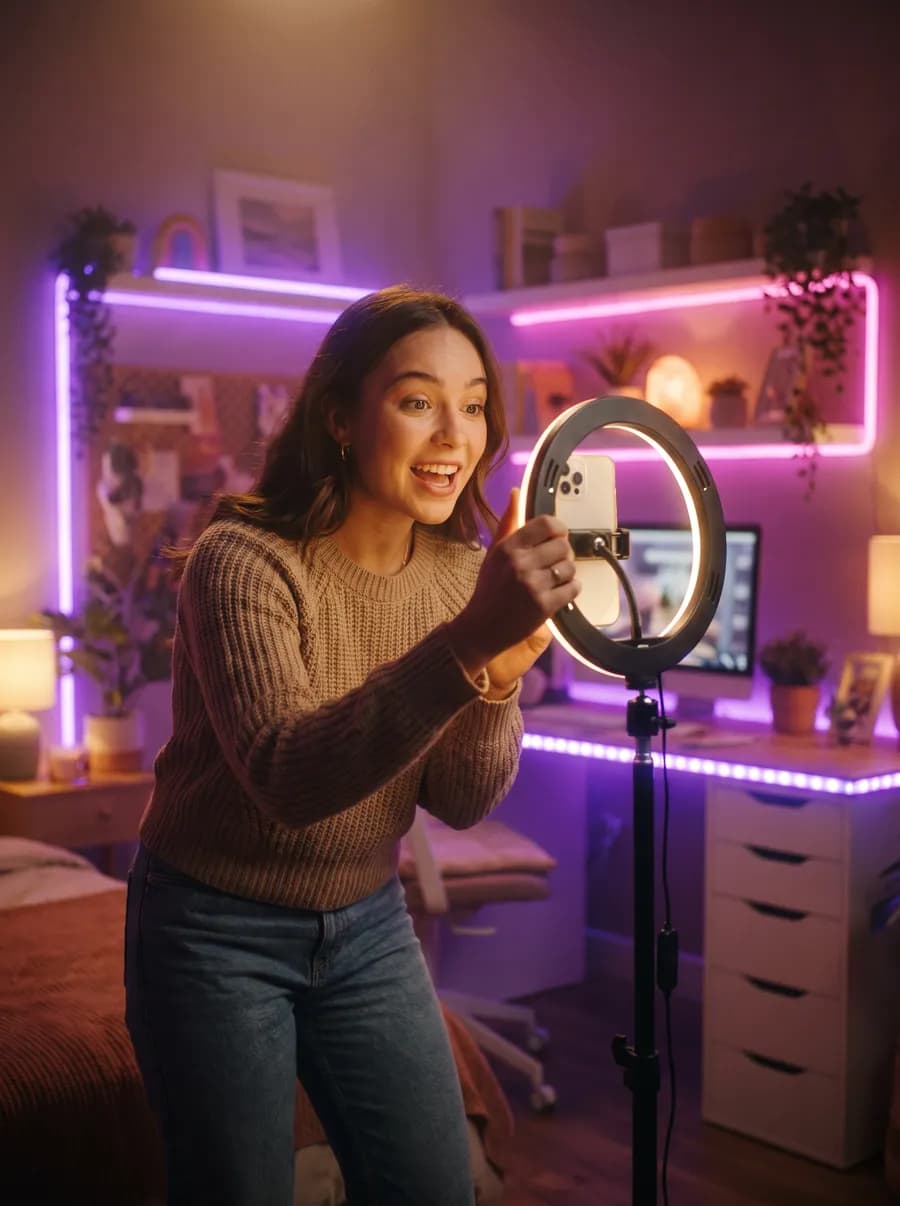
What you need
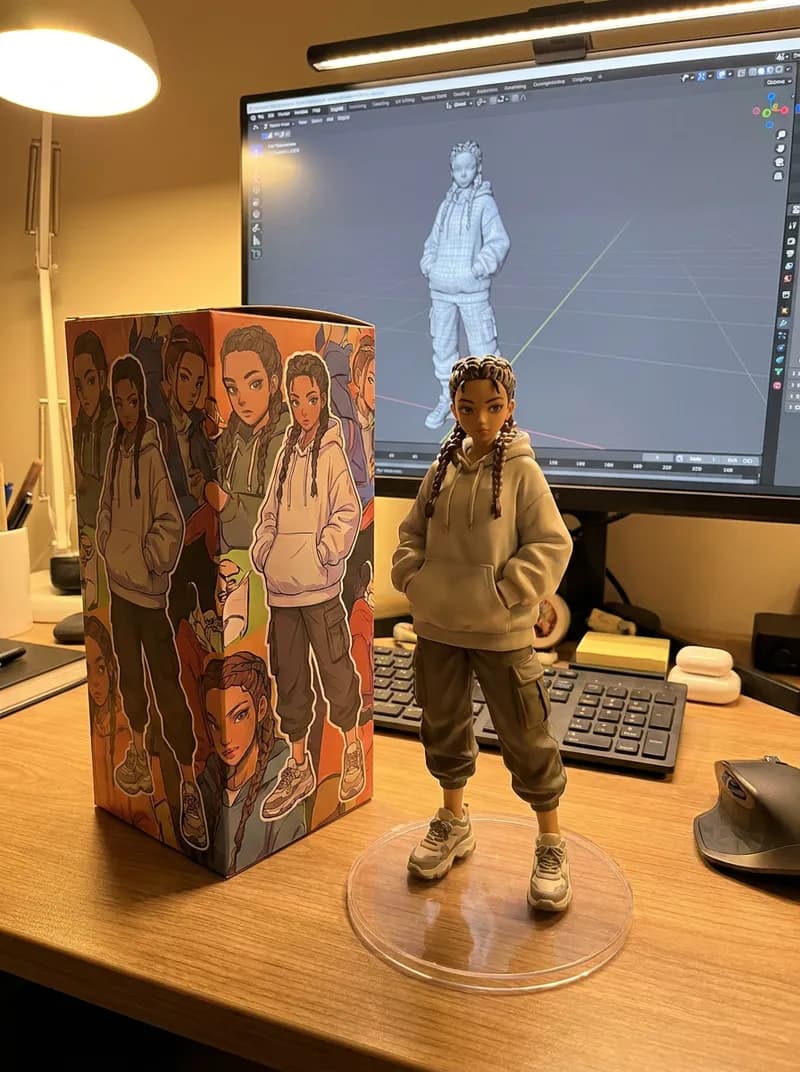
- A photo
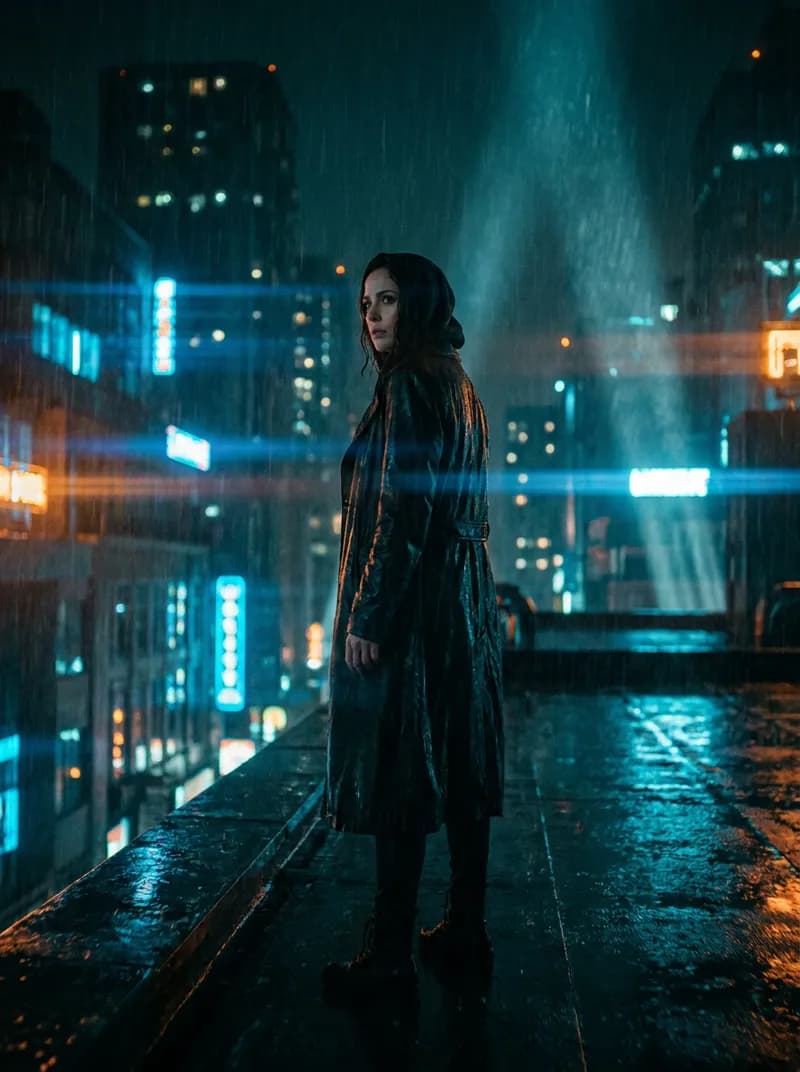
- A short video
How it works
- 1
Add your media
Upload what Copy the Move needs — no prompt writing, the expert prompt is built for you.
- 2
Press Generate
See the exact credit cost first. If a run fails, the credits come back automatically.
- 3
Download or share
Keep the result, edit it in the Vidova editor, or publish it to Explore.
Made with Copy the Move on Vidova

Frequently asked questions
How much does Copy the Move cost?
337 credits per run. New accounts get 100 free credits, so you can try it right away.
Do I need editing skills or prompts?
No. Copy the Move is a one-click template: add your media, press Generate, and Vidova handles the prompt and settings.
Can I post the results on social media or use them in ads?
Yes. Share freely on any plan; commercial use without a watermark is included in every paid plan.

Every top AI model. One account.
Start with free credits, pay only for what you generate, and get refunds for failed runs automatically.
100 free credits · No credit card